 Clinic Software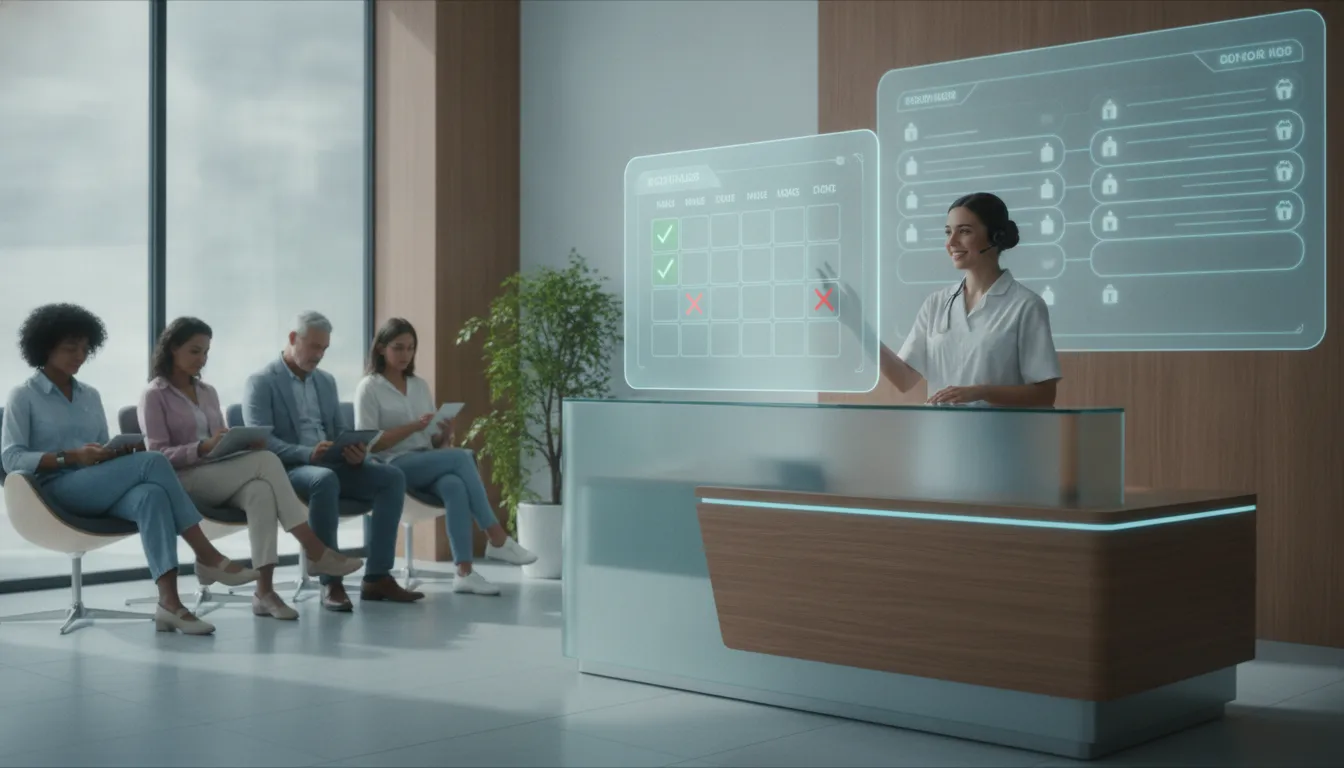
Summary: Building booking software in-house can offer complete customization but involves high costs and long development times. For many clinics, purchasing third-party tools with robust features and support is more practical. These tools help reduce no-show rates, improve patient satisfaction, and enhance operational efficiency, making them a worthwhile investment for clinics seeking to streamline appointment scheduling and minimize financial losses.
<article> A 2:00 PM root canal gets canceled with fifteen minutes left on the clock. The operatory sits empty, two assistants have nothing to do, and several hundred dollars of fixed overhead never comes back. When holes open in the day’s schedule, practice administrators have to decide whether is booking software worth building stay in house and handle intake, or buy an off-the-shelf platform that looks better on the balance sheet.Empty cancellations wear on dental and medical offices day after day. Staff spend hours on manual calls, trying to plug the gaps. Custom software means engineers, compliance testing, and capital that stops flowing to clinical work. A ready-made system starts sooner, gives you structured scheduling flows, and already comes with patient communication tools.
The choice between internal software work and established scheduling platforms shapes daily clinic routines, patient retention, and long-term margins. A practice has to ask whether the control of a proprietary build really justifies the salaries, technical debt, and integration headaches that come with keeping it alive.
Key Takeaways
- Revenue loss from missed slots: Empty appointments and sudden cancellations cut into clinic revenue, so structured scheduling systems matter for stability.
- Rising market demand: Healthcare practices are looking more and more for tools that handle calendar management, reduce gaps in the day, and keep patient communication moving.
- Build versus buy trade-offs: Building internal scheduling software gives full customization, but it also asks for serious capital, a long development timeline, and ongoing maintenance.
- Automated engagement impact: Platforms with direct SMS reminders, two-way confirmation flows, and digital rescheduling tools can reduce absenteeism and leave patients happier.
- Integration safeguards workflow: Solid sync with existing electronic health record systems helps prevent double-booking and keeps the front desk from drowning in cleanup work.
At a Glance
| Evaluation Criteria | Custom In-House Build | Commercial Third-Party Platform |
|---|---|---|
| Capital Investment | High upfront development and engineering cost | Predictable monthly or annual subscription fee |
| Customization Control | Full ownership of code and specialized workflow logic | Configurable workflows limited by vendor capabilities |
| Maintenance Overhead | Dedicated internal engineering and security updates required | Vendor-managed bug fixes, hosting, and regulatory maintenance |
| Time to Deployment | Extended roadmap spanning multiple quarters | Rapid implementation within days or weeks |
| System Integrations | Custom API development required for each health record system | Pre-built integrations for major electronic health record platforms |
What Are the Best Innovative Booking Tools?
The best innovative booking tools bring together automated patient reminders, direct digital self-scheduling, and real-time electronic health record synchronization in one interface people can actually use. Patients can pick and change appointments on their own, which cuts down the phone pile at the front desk and helps avoid empty slots and lost clinical revenue in busy medical practices.
Modern scheduling software has to do more than show an open calendar grid. Practices depend on systems that handle intake workflows, check insurance coverage rules, and ask patients to confirm attendance days in advance. When automated two-way SMS and email notices go out, front-desk coordinators spend much less time playing phone tag and more time helping the people standing in front of them.
Practices that want a simpler option can review Clinic Directory and see how established directory platforms connect patient scheduling with provider calendars. These platforms gather appointment routing in one place, track cancellation patterns, and keep records readable for multi-provider clinics. Our directory lists 93,087 clinics across 1,711 cities as of September 2026, providing a comprehensive resource for practices seeking efficient scheduling solutions.
Self-scheduling gives patients immediate control to book routine cleanings, first consultations, or follow-up visits after office hours. More than half of digital appointment requests happen while the front desk is closed. Mobile-friendly intake portals keep prospective patients from drifting to a competing clinic. Deep integration with electronic health records keeps clinical notes, demographic updates, and appointment histories aligned across workstations, so duplicate entries and chart mismatches are less likely.
How Does the Clinic No-Show Tool Market Demand Affect You?
Demand for clinic no-show tools keeps rising, and the market pressure shows up fast. Vendors move faster. Some prices soften a bit. Feature sets get broader for healthcare teams that want to guard appointment slots without building software themselves. As more competitors improve reminder systems, practices can tighten control over no-shows, bring patients back more reliably, and keep cash flow steadier.
That surge did not appear out of nowhere. Clinics have learned, over and over, that missed visits quietly drain revenue. A provider can lose several hours each week to empty slots, while payroll, rent, and equipment costs keep going. Automated tools give practices something the old phone-call routine never did, a firmer hold on the schedule.
Competition in scheduling software has also pushed vendors to ship features that once lived inside large hospital systems. Smart waitlists now send messages to standby patients the moment someone cancels. Openings can disappear within minutes, and the front desk does not need to chase them by hand.
These tools also change patient behavior. Text reminders feel normal now. People like confirming with one tap, or asking for a new time without calling during business hours. Over time, clinics that make digital coordination routine tend to see fewer drop-offs, fuller schedules, and a steadier week from start to finish. Among the 68,362 rated listings in our directory, 48% are rated 4.5 or higher, indicating high patient satisfaction with clinics that effectively manage scheduling and communication.
Is Building Booking Software for Clinics a Good Idea?
For an independent clinic, building booking software in-house is usually a poor trade. Developer pay, security work, and ongoing upkeep can cost far more than a subscription to a third-party platform. A custom tool does give you control over the architecture. A proven product gets scheduling gains in place right away, and it keeps the team focused on patient care instead of software chores.
A proprietary system needs more than one programmer. You need developers, product managers, interface designers, and quality assurance testers. That kind of project can run twelve to eighteen months before the first useful version reaches a clinic. During that stretch, administrators end up handling bug reports, security checks, and operating system updates instead of working on care delivery.
Healthcare software also has to meet strict security rules, such as HIPAA in the United States or similar privacy laws elsewhere. Keeping databases compliant, communications encrypted, and vulnerability checks on a regular schedule creates ongoing legal and financial risk. If one internal developer leaves, the clinic may be stuck with code nobody else knows well, and it can start to break when browsers or operating systems change.
Practices that want better operations while using outside scheduling tools can use our Free Patient Review Request Kit to improve patient engagement alongside your booking tool. Pairing ready-made feedback utilities with established booking platforms helps clinics avoid software-building risk, gather useful patient responses, and keep daily work moving. The median rating across those 68,362 rated listings is 4.4, reflecting the effectiveness of using established platforms to enhance patient satisfaction and operational efficiency.
What Features Should You Look for in Booking Tools?
The core features in clinic booking tools are automated reminders across several channels, self-service rescheduling, live electronic health record sync, and reporting dashboards that actually tell you something. These functions cut down on front-desk busywork, keep patient data moving through secure channels, and give managers plain numbers on attendance, cancellations, and schedule use.
Automated reminders are the first defense against empty treatment chairs. The system you choose should send SMS and email notices at set times, such as seventy-two hours, twenty-four hours, and two hours before the visit. Those messages need simple prompts, so patients can confirm or switch times with a quick text reply.
Self-scheduling portals should be easy to use on a phone and strict enough to follow clinic rules. The software needs to respect provider preferences, buffer time around complex procedures, and room equipment limits. Without those guardrails, online booking can create double-bookings or pile up delays that annoy staff and slow care.
Detailed reporting gives managers a clearer view of how the clinic runs. Dashboards can show which weekdays bring the most missed visits, which patient groups skip appointments most, and how fast waitlist openings get taken. Real-time updates matter too. When a cancellation hits, front-desk staff and clinical teams should see it across every screen at once.
How to Choose the Right Booking Tool for Your Clinic
Start with the bottlenecks at the front desk. Watch where calls pile up, where staff lose time, and where patients slip through the cracks. Then look at the systems already in place, see whether new software can connect to them, and set a monthly budget you can actually live with. A vendor that understands healthcare and can scale with you matters, because a bad platform can bog people down fast.
Spend a week sitting close to the front office work. Count the outbound calls made just to confirm visits. Write down every reschedule, every intake question, every interruption. After that, sort the damage. Maybe late cancellations hurt most. Maybe no-shows drain the schedule more. Maybe after-hours booking requests are the thing that keeps landing on staff after closing. That kind of audit points to the features you really need when vendors start showing demos.
Next, look for direct links to your practice management system and your electronic health record. If the tool lives on the side, staff wind up retyping data by hand, and errors start creeping in. That defeats the purpose. Ask about growth too, because clinics change. New treatment rooms get added. Another clinician joins. The software should keep up without turning into a project.
When you read vendor claims or ad copy, use our Free Clinic Ad Compliance Checker to make sure your marketing efforts line up with regulatory standards. Third-party reviews help as well, especially from administrators at clinics like yours. A direct conversation with those people helps even more. If the vendor drags its feet when something breaks, you’ll hear about it quickly, and probably at the worst possible time.
What Are the Costs and Benefits of Third-Party Booking Tools?
Third-party booking tools usually come with a subscription price you can predict. That is a lot easier to plan around than building custom software from scratch, where the bill can jump without warning. You do keep paying every month, of course, but you avoid in-house engineering work, get regular security updates, and cut losses from missed visits and forgotten appointments.
A subscription model ties the software bill to the clinic’s revenue stream in a fairly clean way. Many vendors charge a flat monthly rate per provider or per location, which makes budgeting simpler. By contrast, an internal build needs a large upfront outlay, and that can run into tens of thousands of dollars before a single real patient books a slot.
Commercial platforms also spare clinics a pile of maintenance work. The vendor handles hosting, backups, feature updates, and the compliance changes that come with shifting healthcare rules. When phone systems change or messaging standards move, that burden stays on their side. Your staff does not have to scramble for emergency developer time every time the tech stack shifts.
The money side usually decides the issue. If a visit brings in two hundred dollars in net revenue, saving two or three appointments a month can cover the software bill on its own. The softer gain matters too. Front-desk staff stop spending so much time on repetitive scheduling calls, and that leaves them free to help the people standing in the office. The median rated listing carries 73 reviews, so half of those 68,362 sit below it, indicating that many clinics benefit from the visibility and patient engagement that established platforms offer.
Conclusion
A reliable scheduling system protects clinic revenue and makes the patient experience better. Building your own booking software, though, is rarely the smartest financial move. Development costs are high. Compliance work never ends. Maintenance keeps eating money after launch. Third-party scheduling platforms already provide automated reminders, electronic health record sync, and online self-scheduling at a much lower cost. Used well, they can fill empty slots, ease front-desk pressure, and keep providers moving through the day. Check your no-show numbers, compare vendors against your health records setup, and choose a booking tool that keeps your exam rooms busy.
Frequently Asked Questions
What is the average no-show rate for clinics?
Across outpatient specialties, no-show rates usually sit between ten and twenty percent. That means a lot of empty chairs and a lot of money slipping away. Clinics that still rely on manual reminders tend to miss even more visits. Booking tools with text reminders can cut those misses by half, keep the day’s schedule steadier, and spare the front desk from extra chasing.
How do booking tools integrate with EHR systems?
Booking tools connect to electronic health records through secure application programming interfaces or direct database synchronization. Once that connection exists, online bookings, reschedules, and patient contact changes appear in provider schedules right away. Double bookings become less likely. Manual data entry drops. Clinical teams keep a fuller, cleaner visit history in front of them.
Are third-party booking tools cost-effective?
Third-party booking platforms often make financial sense because they use predictable monthly subscription fees instead of a big upfront build. In many clinics, two or three recovered missed appointments in a month can cover the subscription. Vendors also handle server hosting, compliance upkeep, and feature updates. That keeps clinics from paying for extra in-house development staff.
What are the benefits of automated appointment reminders?
Automated reminders send scheduled text messages and emails that ask patients to confirm, cancel, or move an upcoming visit. Fewer no-shows follow. Open slots get filled sooner. The front desk spends less time on phone calls, and patients get a simpler way to respond. Clinics end up with fuller schedules and more predictable daily revenue.
How long does it take to implement a booking tool?
A third-party booking tool usually goes live in a few days to several weeks, depending on system complexity and how much record integration it needs. Building custom scheduling software in-house takes much longer, often six to eighteen months of development and testing. Most commercial platforms include guided setup and staff training, so clinics can shift to automated scheduling with limited disruption.
Related reading
- Medical Clinic Software: AI for Efficient Operations
- Abxtract: Comparing Top Clinic Options for 2026
- 8 Healthcare Marketing Platforms That Close the Booking-to-Local-Search Gap in 2026
- 8 Best Marketing Software Picks for Solo Practitioners Under $500 Monthly in 2026

